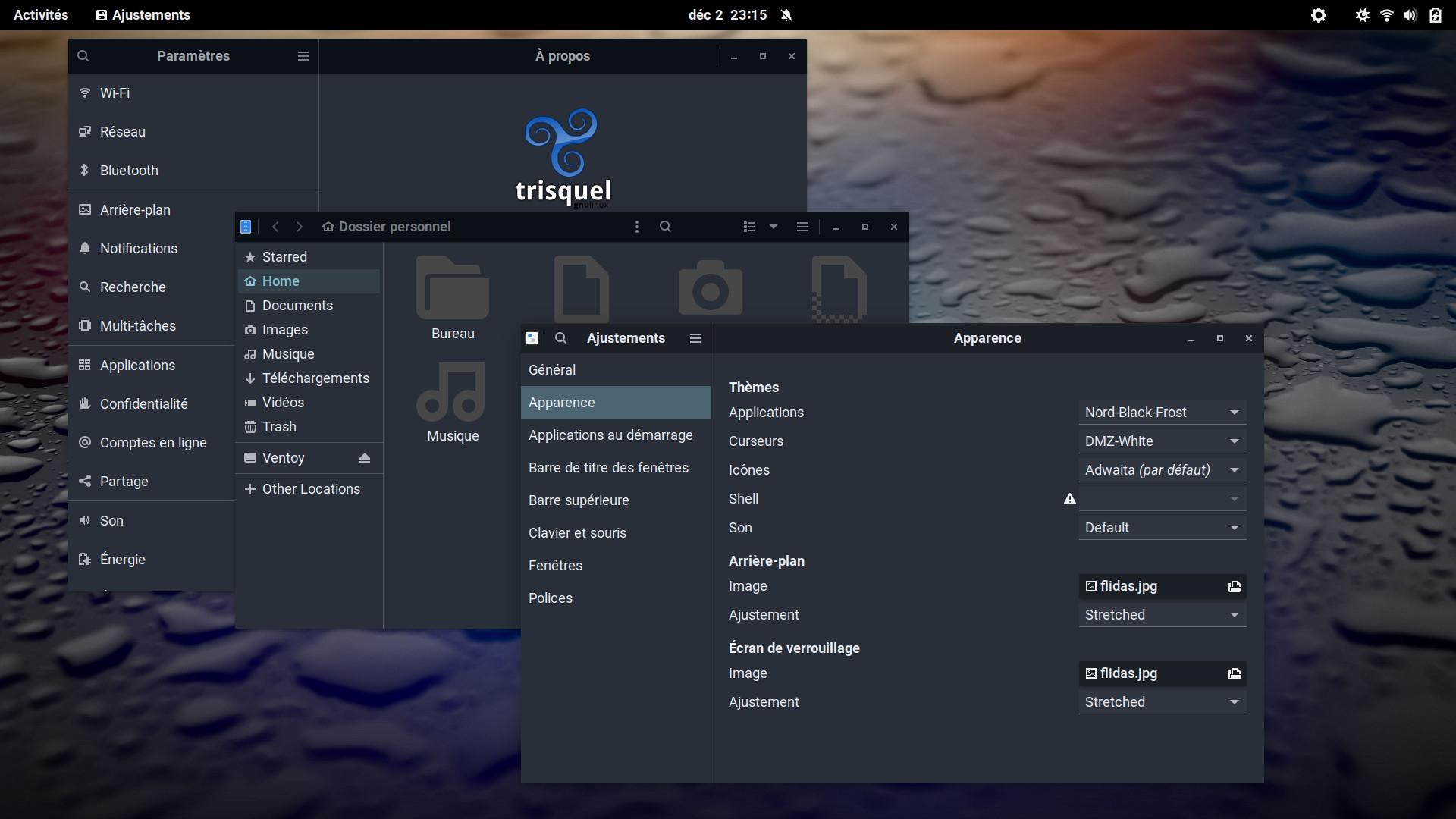
Gnome Tweaks and Files manager in dark mode ?
- Anmelden oder Registrieren um Kommentare zu schreiben

I reinstalled Trisquel 11 with the Netinstall ISO and selected the Gnome desktop. It's very cool ! Navigation is very smooth and fast, I've never seen anything like it with Gnome on others Gnu/Linux distributions !
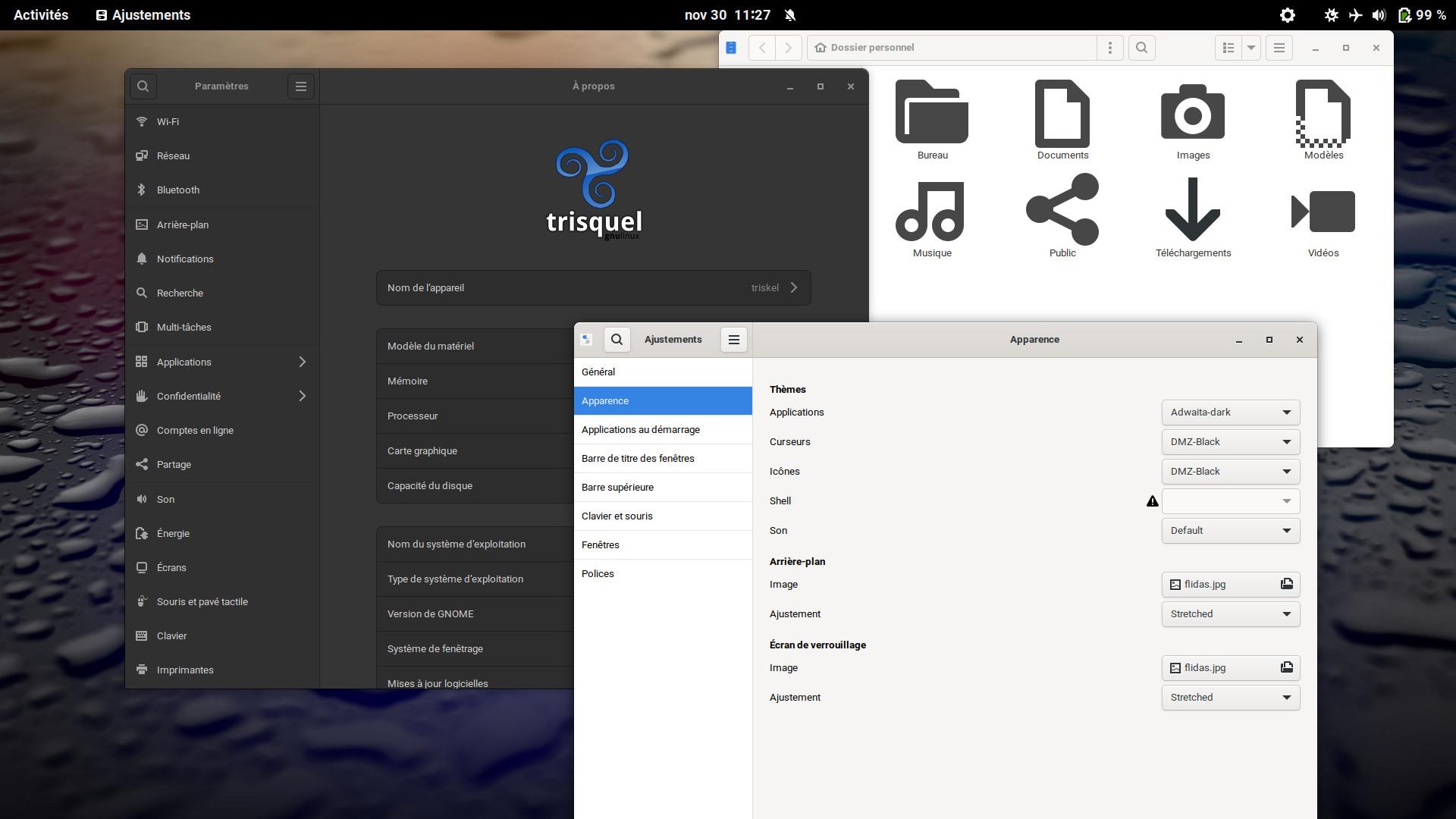
I can set the Settings tool in dark mode but the Tweaks tool and the file manager stay clear. Any ideas on how to darken them ? :)


I set the "Adwaita-dark" theme for "Applications" in GNOME Tweaks and every application is dark including the file manager (Nautilus) and the "Settings" windows. Are we talking about the same theme and file manager?
@Magic Banana > Are we talking about the same theme and file manager?
Yes, it's the same but Tweaks and Nautilus stay clear :/
Here's a screenshot (with french language, sorry :/) ↓
Je suis français. ;-)
I have that dark Settings windows. Since you were writing that it was clear, I believe you have just modified something and I guess the effect on Nautilus needs a restart of the session (or a full reboot) to apply. Indeed, I tried to changed "Adwaita-dark" to simply "Adwaita" and, although my Settings window become clear, Nautilus was not affected.
@ Magic Banana : Merci/Thanks, but I've tried all that and it doesn't change anything. Tweaks and Nautilus stay clear :/
I found https://www.reddit.com/r/gnome/comments/v1aw6k/themeing_libadwaita_a_tldr/ that looks relevant... but I have never done that and yet have a dark Nautilus. Indeed, my ~/.config/gtk-4.0/ folder actually only contains settings.ini whose two lines suggest I do *not* want a dark theme:
$ cat ~/.config/gtk-4.0/settings.ini

[Settings]

gtk-application-prefer-dark-theme=0
Mysterious...
@Magic Banana : Thanks a lot ! I followed the "guide" on Reddit and it works. All my stylesheet is dark now, it's so cool! :)