




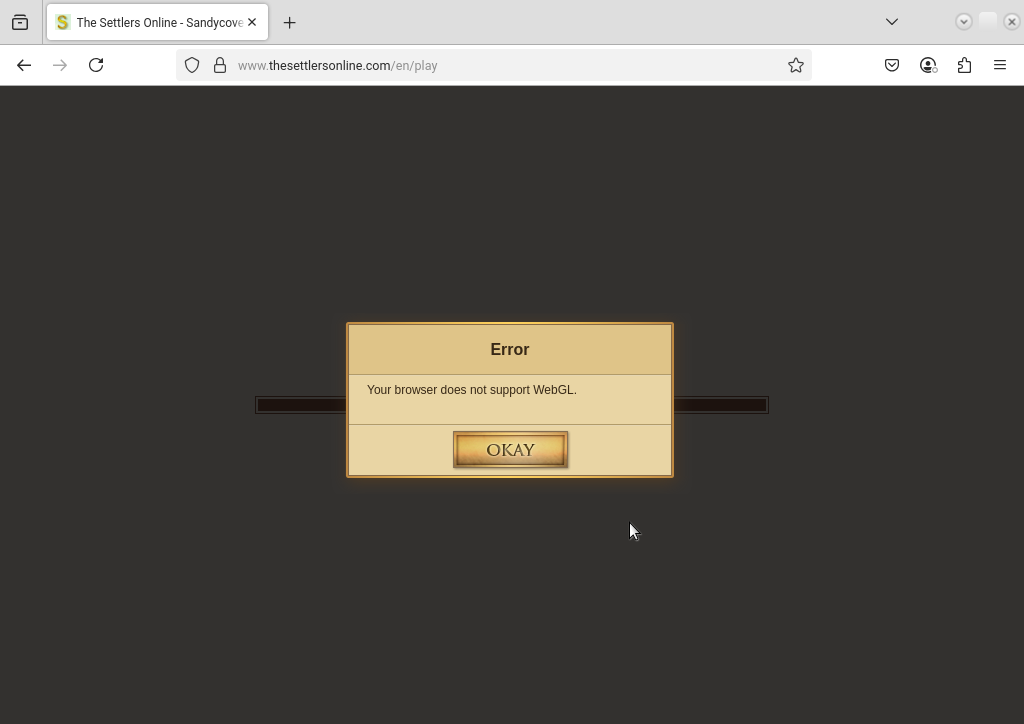
Your browser does not support WebGL.
- Vous devez vous identifier ou créer un compte pour écrire des commentaires

Hi there,
I'm tyring to play The Settlers Online and getting
"Your browser does not support WebGL."
Does anyone have any ideas on how to get The Settlers Online working?
Thanks for any ideas.
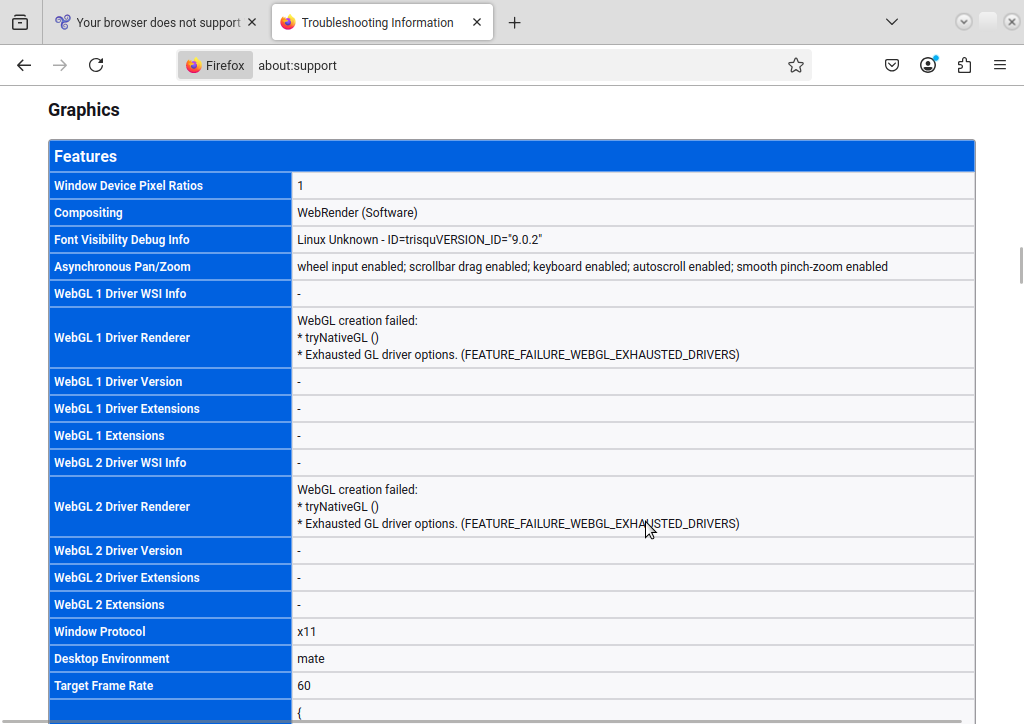
Thanks for the help so far - alas as attached still not working. In about:support - it does suggest trying NativeGL (attached)
I know Its shwoing Firefox installed as I tried installing that incase it was something in ABrowser

Please, paste this commands in the Terminal (Ctrl+Alt+T):
lspci -k | grep -EA3 'VGA|3D|Display'
glxinfo -B
glxinfo | grep 'version'
cat /etc/os-release
abrowser --version
And paste the output here.
ajh@ajh-ThinkPad-T60:~$ lspci -k | grep -EA3 'VGA|3D|Display'
00:02.0 VGA compatible controller: Intel Corporation Mobile 945GM/GMS, 943/940GML Express Integrated Graphics Controller (rev 03)
Subsystem: Lenovo ThinkPad R60/T60/X60 series
Kernel driver in use: i915
Kernel modules: i915, intelfb
00:02.1 Display controller: Intel Corporation Mobile 945GM/GMS/GME, 943/940GML Express Integrated Graphics Controller (rev 03)
Subsystem: Lenovo ThinkPad R60/T60/X60 series
00:1b.0 Audio device: Intel Corporation NM10/ICH7 Family High Definition Audio Controller (rev 02)
Subsystem: Lenovo ThinkPad R60/T60/X60 series
ajh@ajh-ThinkPad-T60:~$ glxinfo -B
name of display: :0.0
display: :0 screen: 0
direct rendering: Yes
Extended renderer info (GLX_MESA_query_renderer):
Vendor: Intel Open Source Technology Center (0x8086)
Device: Mesa DRI Intel(R) 945GM x86/MMX/SSE2 (0x27a2)
Version: 20.0.8
Accelerated: yes
Video memory: 192MB
Unified memory: yes
Preferred profile: compat (0x2)
Max core profile version: 0.0
Max compat profile version: 1.4
Max GLES1 profile version: 1.1
Max GLES[23] profile version: 2.0
OpenGL vendor string: Intel Open Source Technology Center
OpenGL renderer string: Mesa DRI Intel(R) 945GM x86/MMX/SSE2
OpenGL version string: 1.4 Mesa 20.0.8
OpenGL ES profile version string: OpenGL ES 2.0 Mesa 20.0.8
OpenGL ES profile shading language version string: OpenGL ES GLSL ES 1.0.16
ajh@ajh-ThinkPad-T60:~$ glxinfo | grep 'version'
server glx version string: 1.4
client glx version string: 1.4
GLX version: 1.4
Max core profile version: 0.0
Max compat profile version: 1.4
Max GLES1 profile version: 1.1
Max GLES[23] profile version: 2.0
OpenGL version string: 1.4 Mesa 20.0.8
OpenGL ES profile version string: OpenGL ES 2.0 Mesa 20.0.8
OpenGL ES profile shading language version string: OpenGL ES GLSL ES 1.0.16
ajh@ajh-ThinkPad-T60:~$ cat /etc/os-release
NAME="Trisquel GNU/Linux"
VERSION="9.0.2, Etiona"
ID=trisquel
ID_LIKE=debian
PRETTY_NAME="Trisquel GNU/Linux Etiona (9.0.2)"
VERSION_ID="9.0.2"
VERSION_CODENAME="etiona"
UBUNTU_CODENAME="bionic"
HOME_URL="https://trisquel.info/"
SUPPORT_URL="https://trisquel.info/wiki"
BUG_REPORT_URL="https://trisquel.info/project/issues"
ajh@ajh-ThinkPad-T60:~$ abrowser --version
Mozilla Firefox 113.0.2
ajh@ajh-ThinkPad-T60:~$
Many thanks for your exhaustive efforts. turned out a fresh install and enabling webgl and making sure hardware acceleration is enabled resolved the issue. Must have been an underlying issue.
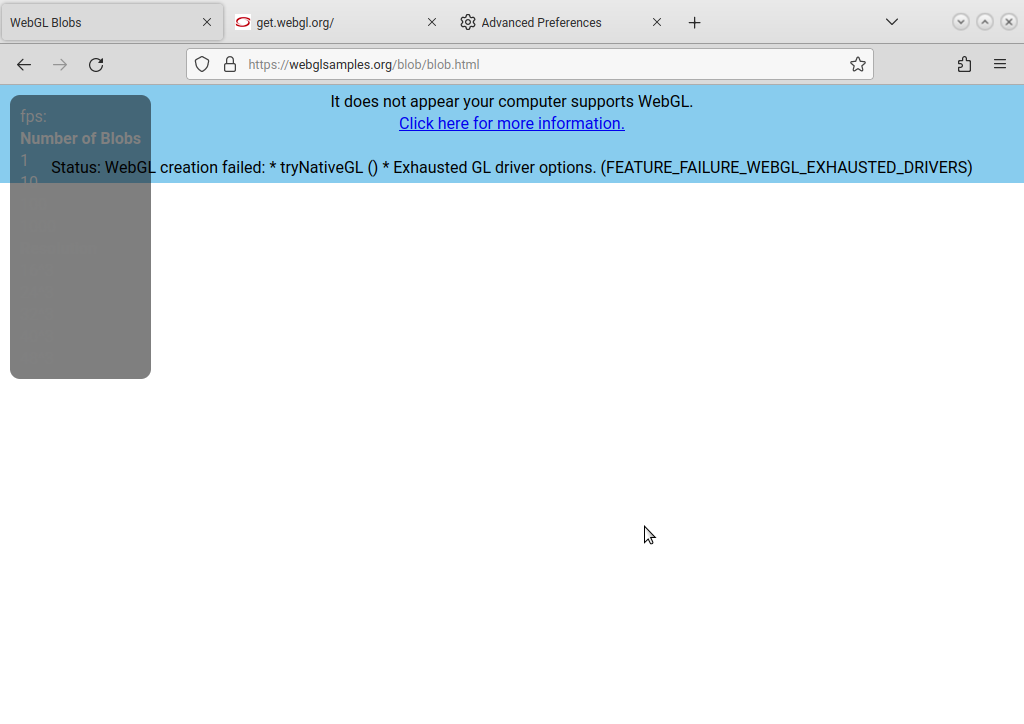
Go to about:config and search for dom.ipc.avoid-gtk and set it to false.
After this open this pages to test:
https://get.webgl.org/
https://webglsamples.org/blob/blob.html
I found this solution here:
I really appreciate the efforts your making... Have made the changes in Abrowser, restarted the browsers but getting a different error (attached)
Well, try with a fresh profile:
abrowser -P
Or you can try the Firefox 137.0.2 32-bit version, only to test and see what's the difference:
wget https://download-installer.cdn.mozilla.net/pub/firefox/releases/137.0.2/linux-i686/en-US/firefox-137.0.2.tar.xz && tar xf firefox-137.0.2.tar.xz && ~/firefox/firefox
many thanks for your efforts icarolongo, I'm not contacting the support for The Settlers Online asking if they can assist. I can get it running with Opera browser (gpu acceloration disabled) but it runs very very slow - but may give clues.
Sadly the support at The Settlers Online was less than helpful - I suspect there is some extra proprietary code they are using. In the past I sued to have to install Adobe Flash but since the support for that was dropped, instead of using the opportunity of using something open source I believe they went are using another Adobe Product. Now weight up if I want to use the game still.

That game is probably proprietary anyway.

I think you are right. The free alternative game to Settlers II, is widelands. Maybe that would be neat to play instead of the online game?
There is a multiplayer mode in widelands, although I wouldn't know what that is like.
I've been playing it for over 10 years and was sorry to see it not working. I understand WebGL is open source, turns out a fresh download of the ISO and fresh install resolved. I'm assuming there was an underlying issue with the current installation


The issue is the ability to uniquely identify ("fingerprint") a visitor of the website if WebGL is enabled, whatever its implementation. See https://blog.browserscan.net/docs/webgl-fingerprinting for instance.
Also, as you have already been told, The Settlers Online is proprietary software.
- Vous devez vous identifier ou créer un compte pour écrire des commentaires