Submitted by mangeur de nuage on Mon, 12/15/2025 - 12:21
Checking the integrity of your optical disc.
This covers CD, DVD, Blu-rays and M-discs. This guide is only useful for checking if your optical storage has errors, it does not cover how to recover, or create extra redundancy for your data.
Install dvdisaster
$ sudo apt install dvdisaster
Checking for non commercial optical disc
Insert your optical disc into your optical reader. Then launch dvdisaster, either by selecting it in the Desktop Environment icons or by keyboard shortcuts:$ ALT+F2 Then type: $ dvdisaster Then press Enter.
Scan the optical disc
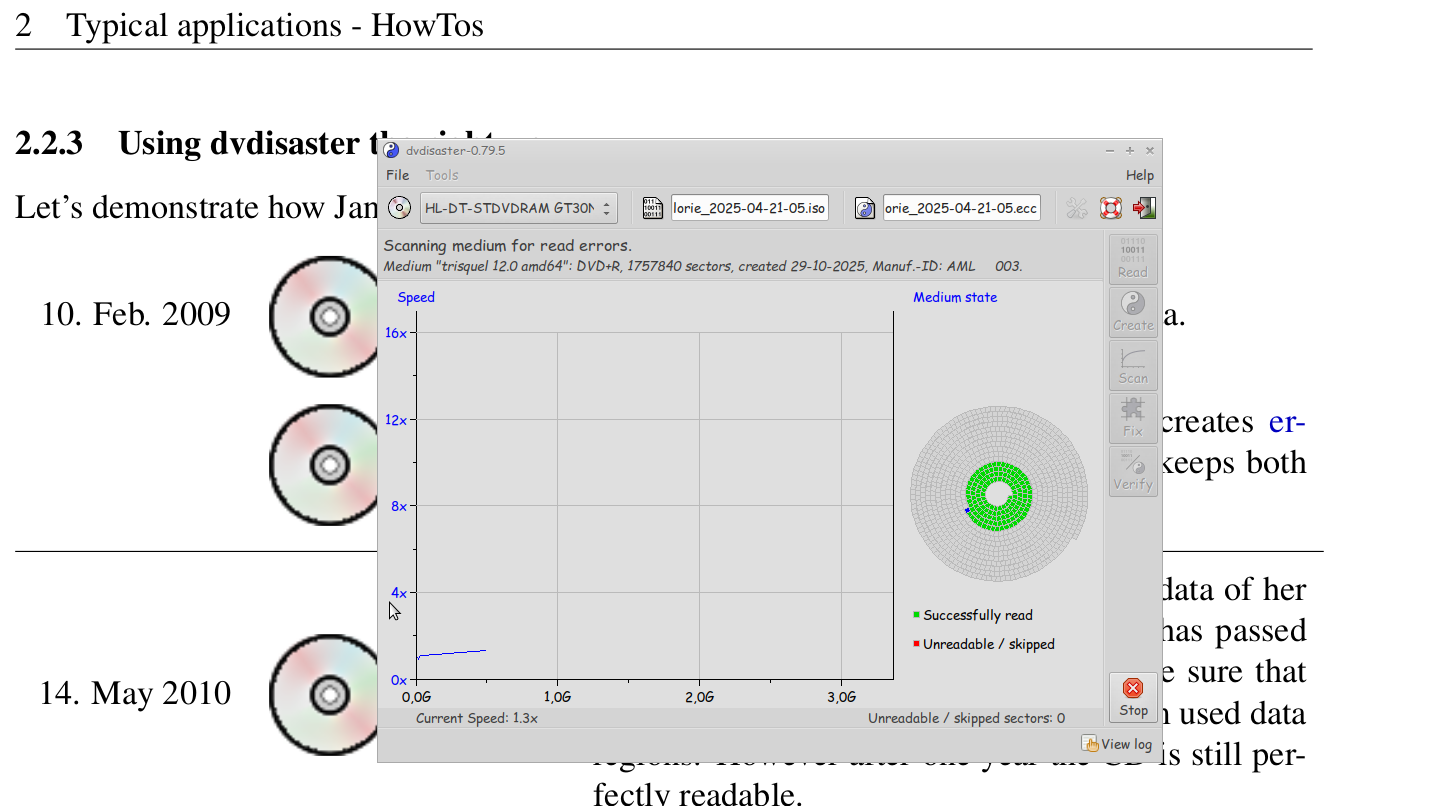
When dvdisaster will open it's GUI (graphical user interface) you'll have various options to choose. In our case we only want dvdisaster to scan for unreadable sectors, so select "Scan". See the image "dvdisaster-gui.png"As you can see in the picture "dvd-r scan.png", dvdisaster will scan the optical disc, in this case a dvd-R with Trisquel 12 on it. You can also scan several discs if you have more than one disc player, just open dvdisaster several time.
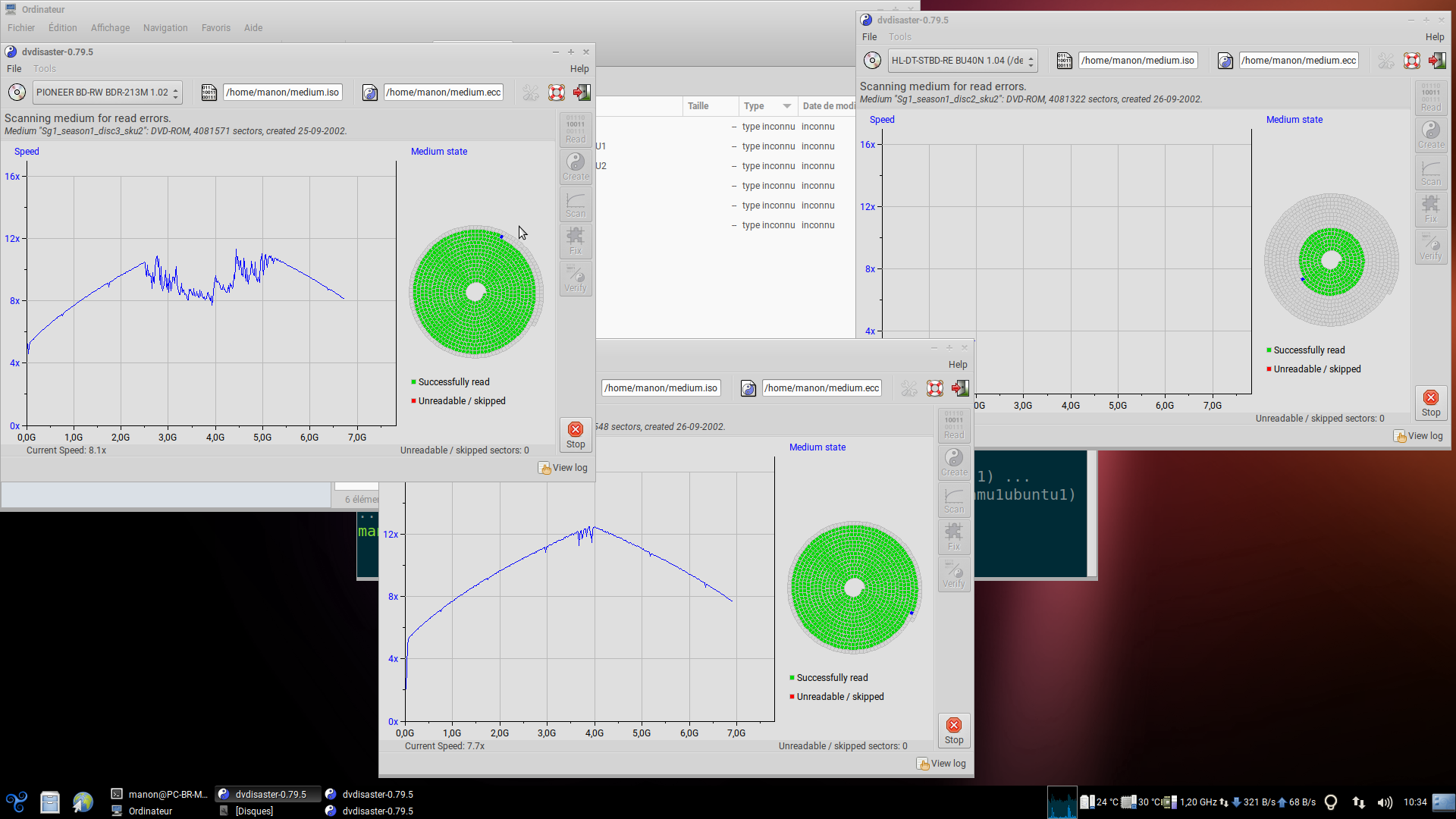
Damaged, unreadable sectors will appear in red. Undamaged, readable sectors will appear in green.
Checking for commercial optical disc (only tested with DVDs)
As DRM is always a pain for humanity, it also creates a small, but solvable, issue for checking if your commercial DVD has any issues. In our case the DRM CSS will stop dvdisaster from reading the disc properly.Install livdvdcss
To solve this issue you first need to install libdvdcss, the Trisquel wiki provides an how to for this here.Use vlc to read the DVD
Once libdvdcss is intalled you will have no issue to read it with vlc.VLC will load the keys needs to de scramble the disc.
Once your dvd started playing in vlc you can stop after 5 seconds.
If you do not do this, the dvdisaster will consider all sectors as unreadable and will appear in red.
Scan the optical disc
Launch dvdisaster, it will now be able to read the commercial dvds, see "commercial dvd scans.png" Scan for unreadable sectors, select "Scan".Extra:
The manual of dvdisaster is very insightful about data storage it is very recommend to read it.| Attachment | Size |
|---|---|
| dvdisaster-gui.png | 78.71 KB |
| dvd-r scan.png | 174.8 KB |
| commercial dvd scans.png | 318.02 KB |